
- Course
Introduction to PowerShell
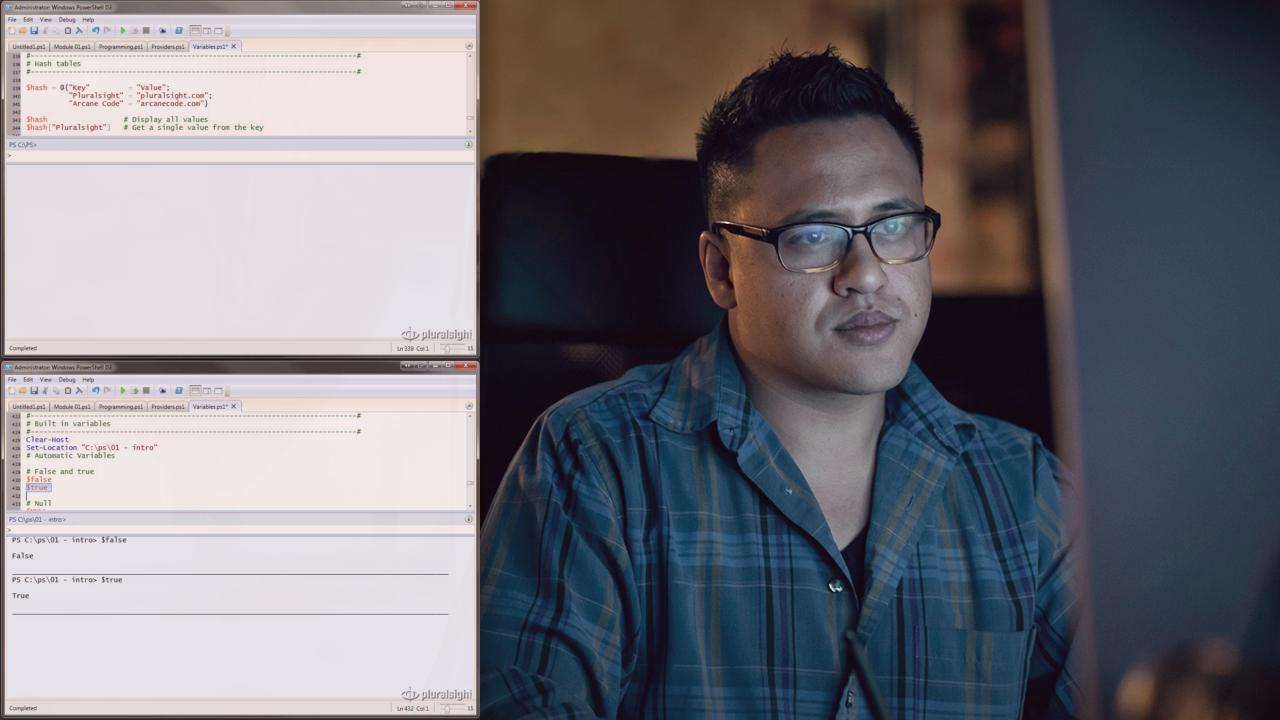
PowerShell is Microsoft's full featured scripting language. Built on the .Net Framework, it is extensible, powerful, and easy to work with
Beginner
- Course
Introduction to PowerShell
PowerShell is Microsoft's full featured scripting language. Built on the .Net Framework, it is extensible, powerful, and easy to work with
Beginner
Get started today
Access this course and other top-rated tech content with one of our business plans.
Try this course for free
Access this course and other top-rated tech content with one of our individual plans.
This course is included in the libraries shown below:
- Core Tech
What you'll learn
PowerShell is Microsoft's full featured scripting language. Built on the .Net Framework, it is extensible, powerful, and easy to work with. In this course you'll begin your path to PowerShell mastery by learning the basics, including: how to customize the User Interfaces; basic PowerShell commands; variables; loops; branching; script blocks; working with files; processing user input; creating and extending functions.
Introduction to PowerShell
Beginner
Table of contents


Robert C. Cain (arcanecode.com) is a Microsoft MVP, MCTS Certified in BI, and is the owner of Arcane Training and Consulting, LLC. He is also a course author for Pluralsight, team member at Linchpin People, and co-author of 4 books.
