
- Course
Introduction to Windows Forms
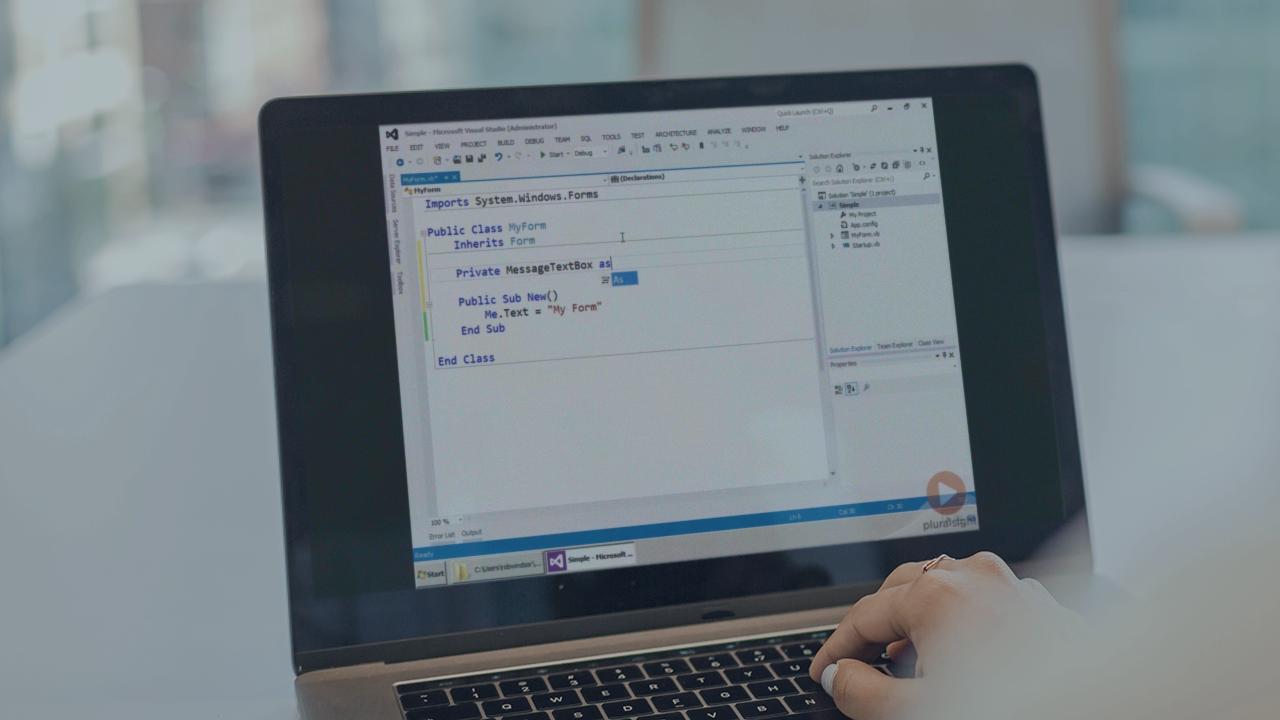
This course is designed to help you get started building applications with Windows Forms. It starts with basics and moves to application layout options, data binding, and deployment. Demonstrations are primarily done using Visual Basic.
Beginner
- Course
Introduction to Windows Forms
This course is designed to help you get started building applications with Windows Forms. It starts with basics and moves to application layout options, data binding, and deployment. Demonstrations are primarily done using Visual Basic.
Beginner
Get started today
Access this course and other top-rated tech content with one of our business plans.
Try this course for free
Access this course and other top-rated tech content with one of our individual plans.
This course is included in the libraries shown below:
- Core Tech
What you'll learn
This course is designed to help you get started building applications with Windows Forms. We start by examining the core elements of WinForms by building an application just using code. Once we understand the foundation of Windows Forms, we turn our attention to the tooling included in Visual Studio. We then look at some common application layouts, building a complete application for each. Next is an examination of the data binding features of Windows Forms. We’ll bind to simple objects, DataSets and LINQ to SQL entities. Finally we see how we can easily deploy Windows Forms applications using ClickOnce.
Introduction to Windows Forms
Beginner
Table of contents
-
Course Introduction | 3m 58s
-
Module Introduction | 40s
-
Forms | 2m 57s
-
Demo: Forms | 4m 10s
-
Controls | 1m 50s
-
Demo: Controls | 4m 57s
-
Events and Event Handlers | 4m 34s
-
Demo: Event Handlers | 7m 49s
-
Using The Designer | 1m 9s
-
Demo: Using The Designer | 8m 38s
-
Generated Code | 2m 52s
-
Demo: Generated Code | 7m 37s
-
Summary | 20s
-
Introduction | 38s
-
Form Lifecycle | 1m 47s
-
Demo: Form Lifecycle | 7m 2s
-
Dialogs | 1m 55s
-
Demo: Dialogs | 6m 57s
-
Custom Dialogs | 1m 51s
-
Demo: Custom Dialogs | 4m 32s
-
Menu and Toolbars | 3m 39s
-
Demo: Menu and Toolbars | 8m 14s
-
User Controls | 56s
-
Demo: User Controls | 6m 5s
-
Application Layouts | 1m 31s


Rob Windsor is a Senior Consultant and Trainer. He has almost twenty five years' experience developing all types of applications and is currently spending a majority of his time working with Office 365 and SharePoint.
