
- Course
Introduction to Visual Studio Tools for Office
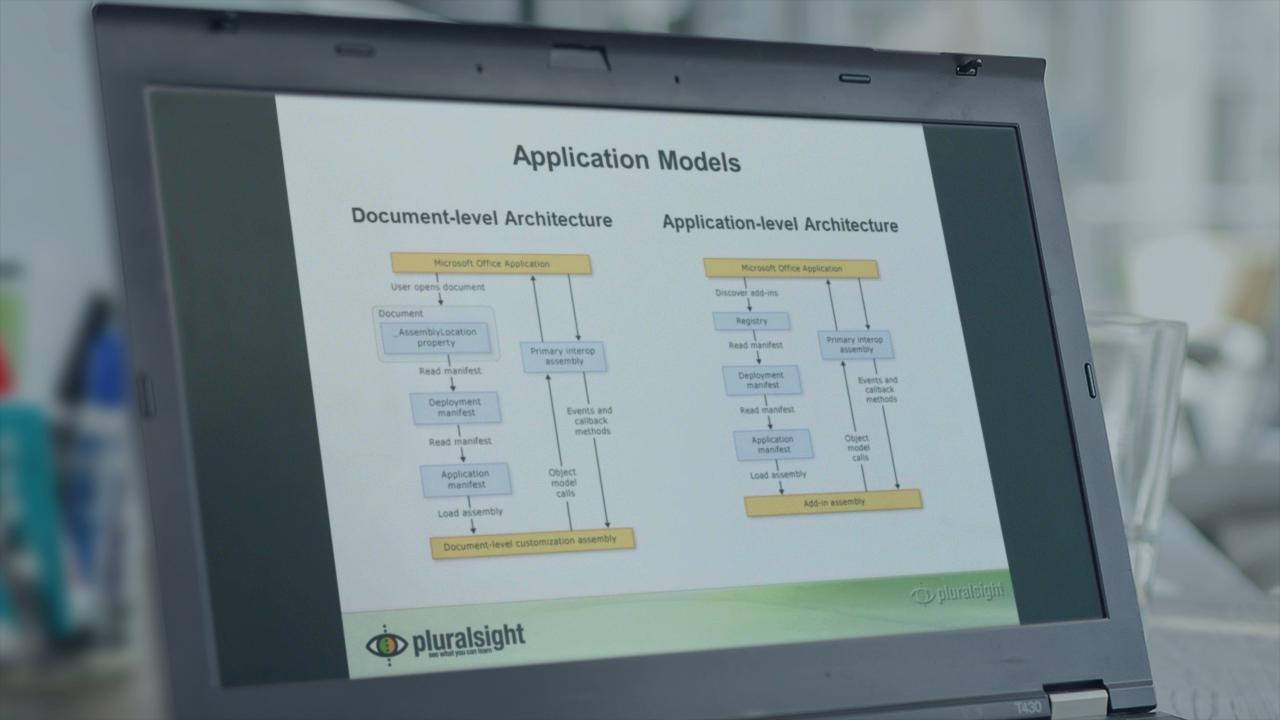
This module introduces the developer to the powerful Add-Ins and document customizations that are possible with Microsoft Office using VSTO
Intermediate
- Course
Introduction to Visual Studio Tools for Office
This module introduces the developer to the powerful Add-Ins and document customizations that are possible with Microsoft Office using VSTO
Intermediate
Get started today
Access this course and other top-rated tech content with one of our business plans.
Try this course for free
Access this course and other top-rated tech content with one of our individual plans.
This course is included in the libraries shown below:
- Core Tech
What you'll learn
There is a powerhouse of capabilities that are already sitting on most users desktops. Using Visual Studio Tools for Office, you can develop Add-Ins and Document Customizations that can add complex functionality to your users favorite applications. Allow them to interact with databases, services, external libraries, and many, many more. This course shows you how to get started developing an end-to-end solution using VSTO.
Introduction to Visual Studio Tools for Office
Intermediate
Table of contents


John Brown is a Software Craftsman continually looking for intuitive designs, agile architectures, and streamlined processes. With degrees in Computer Science from Johns Hopkins and Aerospace Engineering from Purdue, John is always up for a challenge, especially in his areas of interest in Artificial Intelligence and Machine Learning.
