
- Course
Reporting Services Report Server Administration
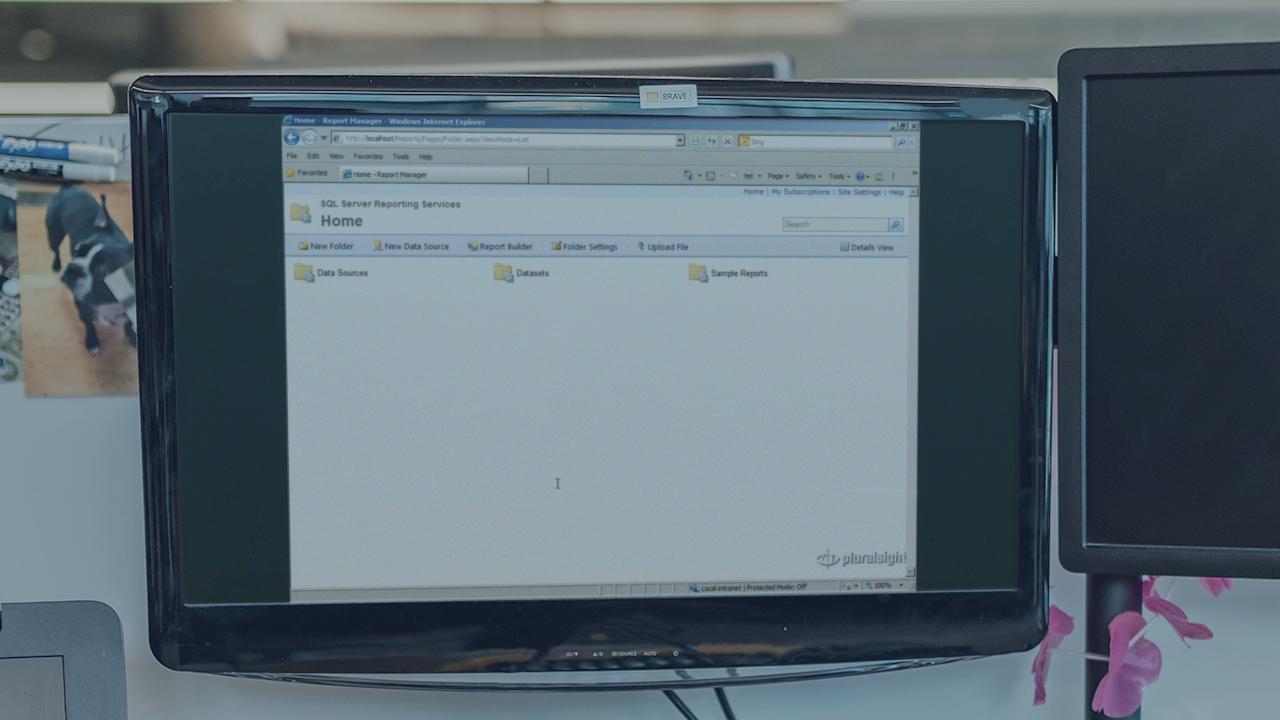
This course is for server administrators responsible for maintaining Reporting Services and for report developers who need to understand how reports are managed on the report server
Intermediate
- Course
Reporting Services Report Server Administration
This course is for server administrators responsible for maintaining Reporting Services and for report developers who need to understand how reports are managed on the report server
Intermediate
Get started today
Access this course and other top-rated tech content with one of our business plans.
Try this course for free
Access this course and other top-rated tech content with one of our individual plans.
This course is included in the libraries shown below:
- Core Tech
What you'll learn
This course explains how to manage reports after the development process is complete and how to manage the reporting environment. It explains how to move reports to the report server and how to configure properties to control report execution behavior. This course also explains how to create and manage report subscriptions, how to secure reports, and options for configuring the report server. The features and demonstrations in this course focus on the SQL Server 2008 R2 release, although most topics with the exception of report server configuration also apply to earlier versions of Reporting Services.
Reporting Services Report Server Administration
Intermediate
Table of contents


Stacia Misner Varga is an instructor, author, and principal consultant of Data Inspirations. Her career spans more than 30 years, with a focus on improving business practices through technology. Since 2000, she has provided consulting and education services for Microsoft’s data platform and authored or co-authored many books covering this topic. In addition, Stacia has been a frequent speaker over the years at technology conferences worldwide.
