Reporting Services Report Development Fundamentals -Part 2
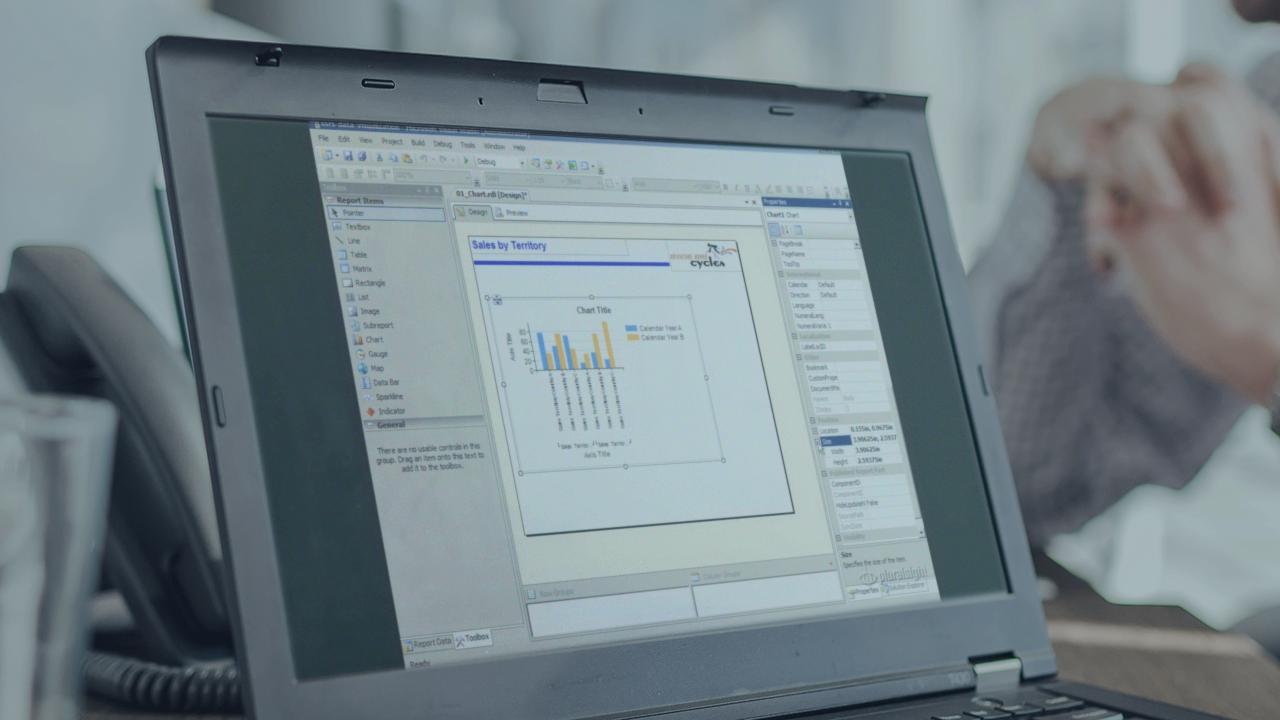
This course continues building on the foundation established in the Reporting Services Fundamentals course. It explains how to work with all of the data visualization features in the SQL Server 2008 R2 release of Reporting Services, including charts, data bars, sparklines, gauges, and maps. It also explains features for pagination in print-ready reports and for interactivity in online reports.
You are currently not signed in. Please sign in to access subscriber-only content.
Currently using: {{getCurrentPlayerName()}} [Change]
| expand all | collapse all | Progress | Duration | |
|---|---|---|---|
Data Visualization |
|
00:57:10 | |
|
Introduction
|
|
02:25 | |
|
Introduction to Charts and Chart Types
|
|
04:31 | |
|
Chart Data Pane
|
|
01:28 | |
|
Demo: Creating a Column Chart
|
|
04:31 | |
|
Chart Elements
|
|
01:59 | |
|
Demo: Configuring Chart Element Properties
|
|
09:47 | |
|
Data Bars
|
|
03:44 | |
|
Demo: Adding a Data Bar to a Tablix
|
|
05:49 | |
|
Sparklines
|
|
02:12 | |
|
Demo: Designing a Sparkline
|
|
03:00 | |
|
Gauges
|
|
03:13 | |
|
Demo: Working with a Gauge
|
|
05:49 | |
|
Indicators
|
|
01:15 | |
|
Demo: Configuring an Indicator
|
|
05:48 | |
|
Summary
|
|
01:39 | |
Basic Spatial Data Visualization |
|
00:39:53 | |
|
Introduction
|
|
01:22 | |
|
Spatial Data Types
|
|
02:18 | |
|
Points
|
|
01:06 | |
|
Bing Maps Integration
|
|
01:48 | |
|
Lines
|
|
00:40 | |
|
Polygons
|
|
00:57 | |
|
Spatial Data Sources
|
|
03:06 | |
|
Map Wizard Overview
|
|
01:33 | |
|
Select a Spatial Data Source
|
|
01:03 | |
|
Configure Map View Options
|
|
01:22 | |
|
Select a Map Type
|
|
01:57 | |
|
Specify an Analytical Dataset
|
|
01:29 | |
|
Set Data Visualization Options
|
|
01:34 | |
|
Demo: Using the Map Wizard with the Map Gallery
|
|
07:32 | |
|
Demo: Modifying Map Properties
|
|
03:32 | |
|
Demo: Using an ESRI ShapeFile
|
|
02:34 | |
|
Demo: Adding a Point Layer
|
|
04:04 | |
|
Summary
|
|
01:56 | |
Page Layout |
|
00:43:53 | |
|
Introduction
|
|
00:52 | |
|
Rendering
|
|
04:59 | |
|
Demo: Rendering
|
|
05:03 | |
|
Render Format
|
|
02:03 | |
|
Demo: Using the RenderFormat Variable
|
|
04:45 | |
|
Page Structure
|
|
01:38 | |
|
Demo: Working with Pagination Properties
|
|
03:07 | |
|
Page Header and Footer
|
|
01:01 | |
|
Soft Page Breaks
|
|
01:04 | |
|
Demo: Understanding Soft Page Breaks
|
|
02:13 | |
|
Logical Page Breaks
|
|
02:00 | |
|
Demo: Configuring Logical Page Breaks
|
|
02:03 | |
|
Page Name
|
|
00:57 | |
|
Page Numbers
|
|
00:53 | |
|
Demo: Setting Page Name and Page Number Properties
|
|
04:17 | |
|
Repeating Headers
|
|
01:18 | |
|
Demo: Configuring Repeating Headers
|
|
03:03 | |
|
Summary
|
|
02:37 | |
Interactive Features |
|
00:33:44 | |
|
Introduction
|
|
01:20 | |
|
Interactive Sorting
|
|
01:41 | |
|
Demo: Sorting Detail Rows by Group Across the Data Region
|
|
02:25 | |
|
Demo: Sorting Detail Rows Within a Single Group
|
|
01:12 | |
|
Demo: Sorting Groups
|
|
01:32 | |
|
Fixed Headers
|
|
01:07 | |
|
Demo: Configuring Fixed Headers
|
|
01:58 | |
|
Tooltips
|
|
00:40 | |
|
Demo: Adding a Tooltip Expression to a Textbox
|
|
02:32 | |
|
Visibility
|
|
01:47 | |
|
Demo: Creating a Drilldown Report
|
|
03:40 | |
|
Document Map
|
|
00:53 | |
|
Demo: Defining Document Map Labels
|
|
02:01 | |
|
Actions - Bookmarks
|
|
01:07 | |
|
Actions - Go To Report
|
|
00:37 | |
|
Actions - Go To URL
|
|
00:32 | |
|
Demo: Setting Up Bookmarks
|
|
02:47 | |
|
Embedded HTML
|
|
01:11 | |
|
Demo: Using HTML Tags to Include E-Mail Links in a Report
|
|
02:15 | |
|
Summary
|
|
02:27 |
Data Visualization