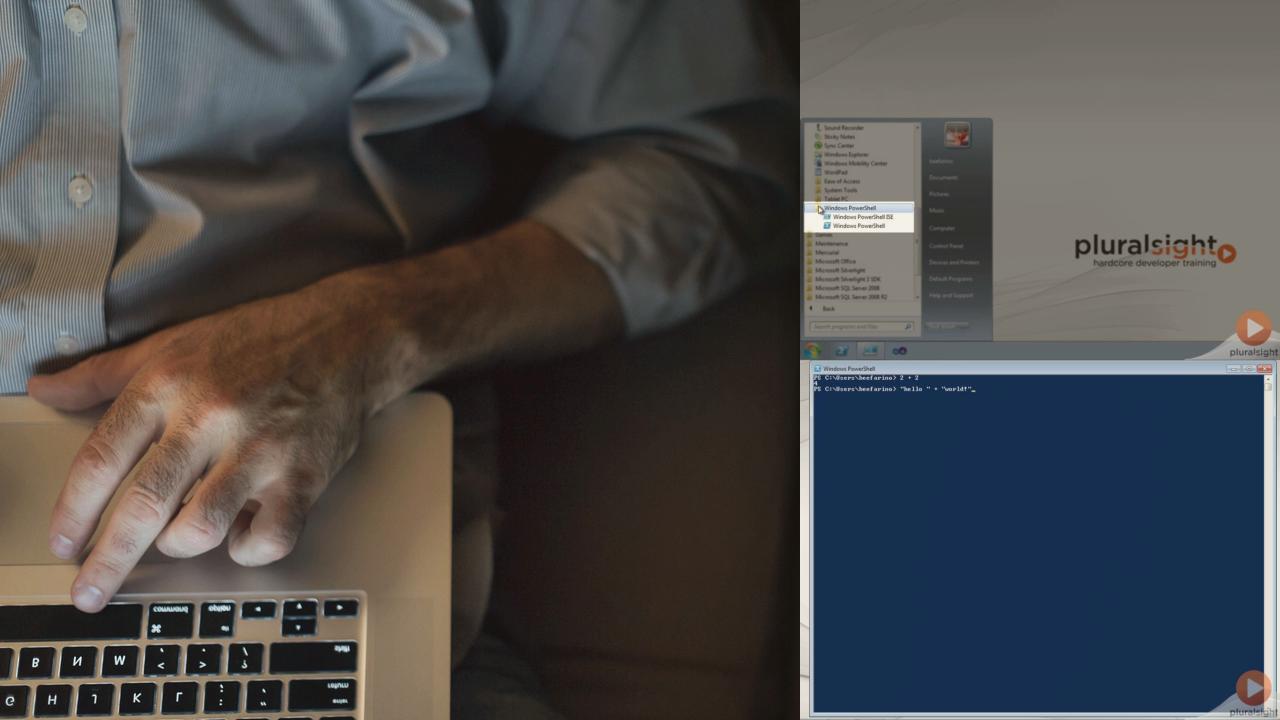
Everyday PowerShell for Developers
This course is about the stuff you do everyday - working with code and Visual Studio, source control, building software, etc - and how you can apply PowerShell to make these things easier on you.
Authored by:
Jim Christopher
Duration: 4h 3m
Level: Intermediate
Released: 11/30/2012
Features:
Duration: 4h 3m
Level: Intermediate
Released: 11/30/2012
Features:
Course Rating:
You are currently not signed in. Please sign in to access subscriber-only content.
Currently using: {{getCurrentPlayerName()}} [Change]
| expand all | collapse all | Progress | Duration | |
|---|---|---|---|
Overview and PowerShell Primer |
|
00:35:56 | |
|
Overview
|
|
05:43 | |
|
PowerShell Environments
|
|
02:14 | |
|
Expressions and Variables
|
|
04:46 | |
|
Flow Control
|
|
02:02 | |
|
Discover Stuff using Help
|
|
05:11 | |
|
Finding Commands and Making Mistakes
|
|
03:34 | |
|
Pipelines
|
|
02:39 | |
|
Members, Where-Object, and Foreach-Object
|
|
03:36 | |
|
Scripts and Execution Policy
|
|
02:49 | |
|
Module Summary
|
|
01:04 | |
|
Get-Help
|
|
02:18 | |
Cutting Corners in Windows Explorer |
|
00:22:48 | |
|
PowerShell and .NET
|
|
01:56 | |
|
Location, Location, Location
|
|
02:20 | |
|
PowerShell Drives
|
|
02:19 | |
|
The Item Cmdlets
|
|
01:35 | |
|
Invoke-Item
|
|
01:26 | |
|
Demo: Push-Project
|
|
02:29 | |
|
Functions
|
|
02:21 | |
|
Profiles
|
|
02:10 | |
|
Profiles and Hosts
|
|
02:18 | |
|
Push-Project Summary
|
|
00:58 | |
|
Module Summary
|
|
01:54 | |
|
Get-Help
|
|
01:02 | |
Using .NET From PowerShell |
|
00:33:07 | |
|
PowerShell and .NET
|
|
01:46 | |
|
Creating Objects
|
|
03:41 | |
|
Referencing Types
|
|
01:08 | |
|
Using Static Members
|
|
02:04 | |
|
Using Instance Members
|
|
00:56 | |
|
Handling Events
|
|
04:22 | |
|
More Handling Events
|
|
04:18 | |
|
Loading Assemblies
|
|
04:24 | |
|
Summary
|
|
01:41 | |
|
Demo: Sandbagging Automation
|
|
02:53 | |
|
The convertTo-Sandbags.ps1 Script
|
|
03:46 | |
|
Demo: Sandbagging Automation Revisited
|
|
01:00 | |
|
Get-Help
|
|
01:08 | |
Creating a Rich Mercurial Environment in PowerShell |
|
00:43:05 | |
|
PowerShell Commands vs. Console Applications
|
|
02:35 | |
|
Using Console Applications in PowerShell
|
|
03:41 | |
|
Demo: Capturing Commands as PowerShell Functions
|
|
03:55 | |
|
Supporting Pipeline Operations in Functions
|
|
05:28 | |
|
Customizing the PowerShell Prompt
|
|
04:07 | |
|
Demo: A Mercurial-Aware Prompt
|
|
04:45 | |
|
Demo: Automating Bisections - Introduction
|
|
06:19 | |
|
Demo: Automating Bisections - The Find-HgChangeset Function
|
|
04:21 | |
|
Demo: The Hg PowerShell Module
|
|
05:13 | |
|
Module Summary
|
|
01:16 | |
|
Get-Help
|
|
01:25 | |
Expanding PowerShell with Existing Modules |
|
00:26:23 | |
|
A Toast ... to PowerShell Modules!
|
|
05:10 | |
|
Where You Find PowerShell Modules
|
|
03:45 | |
|
Useful Modules for Software Developers
|
|
03:07 | |
|
Demo: Module Discovery
|
|
07:11 | |
|
Demo: Manual Module Installation
|
|
04:27 | |
|
Module Summary
|
|
01:38 | |
|
Get-Help
|
|
01:05 | |
Automating Builds with Psake |
|
00:36:47 | |
|
The nature of the Build
|
|
02:18 | |
|
Installing Psake
|
|
02:55 | |
|
Creating a Psake Build Script
|
|
02:56 | |
|
Running a Psake Build Script
|
|
03:41 | |
|
Documenting a Psake Build Script
|
|
01:05 | |
|
Building Visual Studio Projects
|
|
04:54 | |
|
Tangent: Why Psake > MSBuild
|
|
03:27 | |
|
Demo: The PackageZip Task
|
|
02:47 | |
|
Demo: Configuring the Build
|
|
06:29 | |
|
Demo: Running Psake Builds in TeamCity
|
|
03:15 | |
|
Module Summary
|
|
01:26 | |
|
Get-Help
|
|
01:34 | |
Automating Visual Studio with StudioShell |
|
00:45:05 | |
|
Introducing StudioShell
|
|
04:01 | |
|
Exploring Visual Studio Features with StudioShell
|
|
06:37 | |
|
Demo: Configuring Window Layouts
|
|
02:59 | |
|
Demo: Adding Psake Build Menu Items - Overview
|
|
05:04 | |
|
Demo: Adding Psake Build Menu Items
|
|
02:57 | |
|
Demo: Capturing Changes in a Solution Module
|
|
04:24 | |
|
Demo: Conditional Refactoring - Overview
|
|
04:37 | |
|
Demo: Conditional Refactoring - Strategy
|
|
08:41 | |
|
Demo: Conditional Refactoring - Scaling
|
|
02:35 | |
|
Module Summary
|
|
01:00 | |
|
Get-Help
|
|
02:10 |
Overview and PowerShell Primer